

Assembly video coming soon.
We’ll add a step-by-step demonstration here.
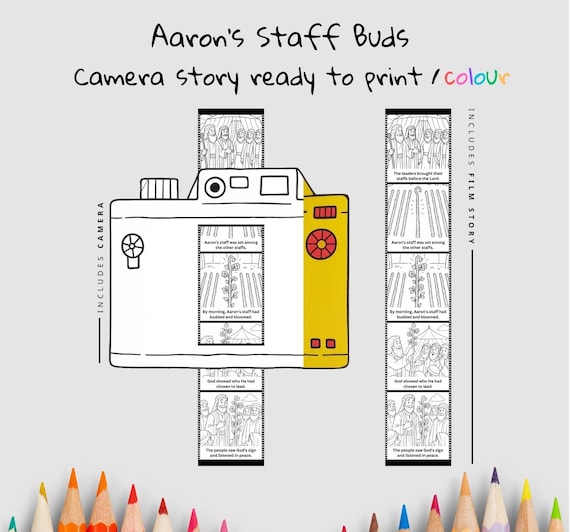
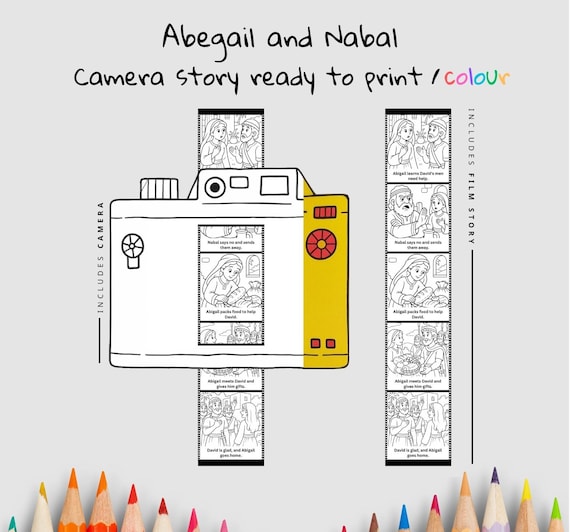
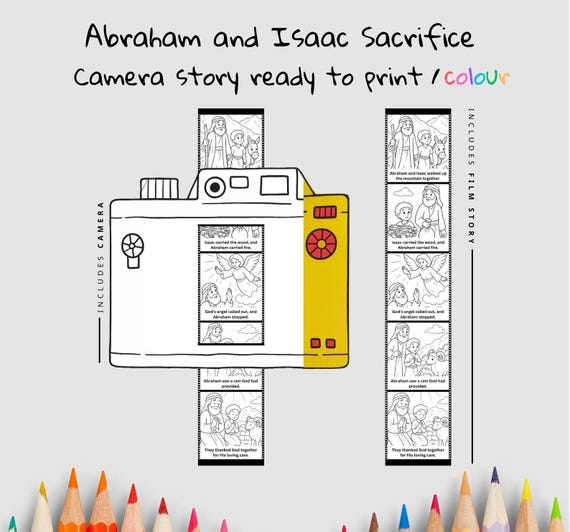
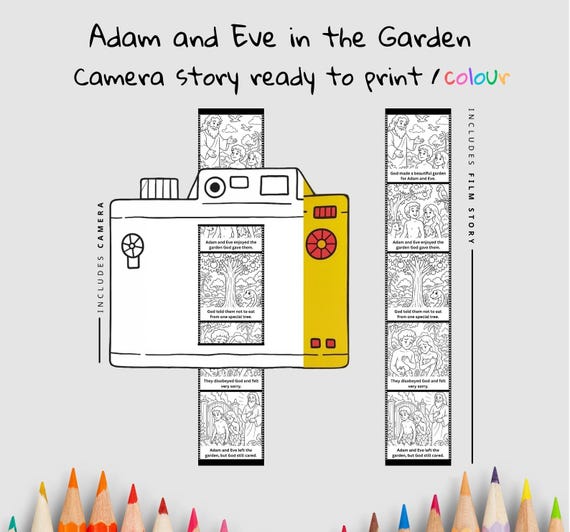
Photos from the Etsy listing. View original Etsy listing ↗
Bible story camera
Jesus the Good Shepherd Camera Craft
A printable paper Bible story camera based on Jesus the Good Shepherd. Children colour, cut and assemble the camera and film strip, then slide the strip through to retell the story. Story focus: Jesus says, “I am the good shepherd.” His sheep listen and follow His voice. Jesus gives His life for His sheep.
- Suggested ages
- 7–12 years
- Activity time
- 25–40 min
- Difficulty
- Moderate
English
Age, time and difficulty are planning guides. Check the preparation notes for adult help.
$4.95 USD
One-time purchase
Digital download · No physical item shipped
What’s included
- Camera page
- Film strip
- Make Bible learning interactive with this easy and engaging craft. Great for teachers, parents, and ministry leaders who want to spark excitement about scripture in young hearts!
Your download files
- JesustheGoodShepherd.pdf: 3 pages
File inventory and page counts checked against the originals. Page counts include any instruction pages. Please check the preparation notes before printing for a group.
Getting ready
Age & adult help
Cutting camera slots, fitting a long film strip and keeping the story in order add assembly demands.
An adult may need to cut the camera slots and help thread the strip. Younger children can colour and retell using an adult-assembled camera.
What you’ll need
Printer, paper or light card, colouring pencils or crayons, scissors. Glue or tape may be useful. An adult may need to cut camera slots.
Time & preparation
One camera and film strip, including colouring and assembly. Teaching time is additional.
Age is an editorial estimate for the motor and reading demands of this format. Difficulty, completion time and suggested tools are planning estimates, not build-tested.
Check the file before you print for a group, and allow for any extra help the kids might need.
Printing tipsThe story behind the craft
Bible passage: John 10:1–18
Jesus describes himself as the good shepherd who knows his sheep and lays down his life for them. The image contrasts his care with a hired worker who abandons the flock when danger comes.
Main takeaway: Jesus describes his care through knowing, guiding and protecting the flock.
As you slide the story through
Slide the film strip slowly and pause at each frame to connect the picture with the reading.
Connect the shepherd and sheep with knowing and listening. Keep this teaching distinct from the lost-sheep parable’s search for one missing animal.
An adult can read the captions for a younger child. Older learners can retell a frame without its caption, then check which details the Bible account supplies.
Questions to explore
- How does the good shepherd know his sheep?
- What happens when the hired worker sees danger?
- What makes care dependable rather than convenient?
Common questions
What files are included in this download?
The download is a 3-page PDF: JesustheGoodShepherd.pdf. This is the English edition. You print the files yourself; physical supplies are not included.
Does the paper camera actually show a story?
Yes. Colour and cut out the camera body and illustrated film strip. Prepare the two marked camera slots, feed the strip through the lower slot from the back and out through the upper slot, then slide it to reveal the frames. It is a paper storytelling model, not a working photographic camera. Printed captions include “Jesus loves His sheep and stays close to them” and “One little sheep has wandered far away”.
Which pages should I print, and at what size?
The original PDF pages are A4 portrait. JesustheGoodShepherd.pdf: print pages 2, 3 for each learner or group. Page 1 is the assembly guide, which can be shared. Print single-sided. On US Letter paper, select Letter and Fit or shrink to the printable area; the originals are not separate Letter-sized files. Keep matching construction pages at the same scale.
What supplies and preparation does this need?
Paper or printer-compatible light card, colouring pencils and scissors. An adult should cut the slots and help thread the strip so the pictures move without tearing.
What help might children need with this activity?
Suggested ages: 7–12 years. An adult may need to cut the camera slots and help thread the strip. Younger children can colour and retell using an adult-assembled camera. Adjust this guide for the child’s reading and making skills.
Reviews
No reviews yet. Made this craft? Tell us how it went.