Heather
Originally posted on Etsy ↗This was a great activity for Sunday School while we are learning about missionaries.


Find a story, Bible book or passage.
Some familiar stories
See all Bible stories
Sign in to keep your purchases and downloads together.

Keep the ones you’d like to try.
View saved activitiesTap a heart while you browse. Saved on this device.

Buy as a guest, or sign in to keep your downloads together.
We’ll add a step-by-step demonstration here.
Photos from the Etsy listing. View original Etsy listing ↗
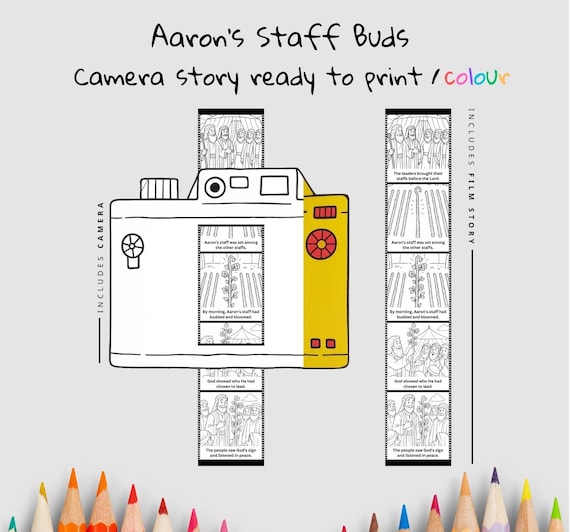
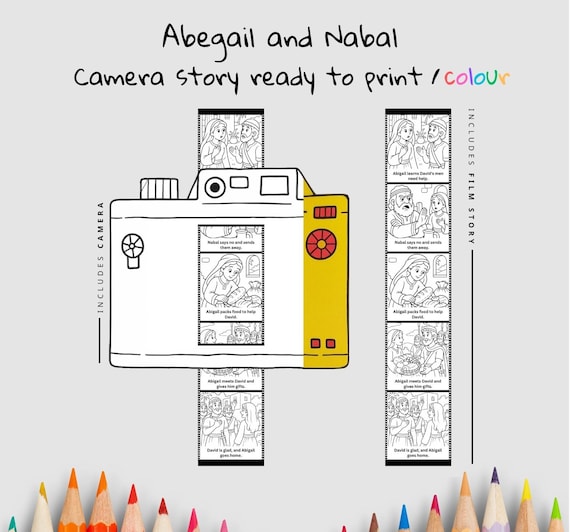
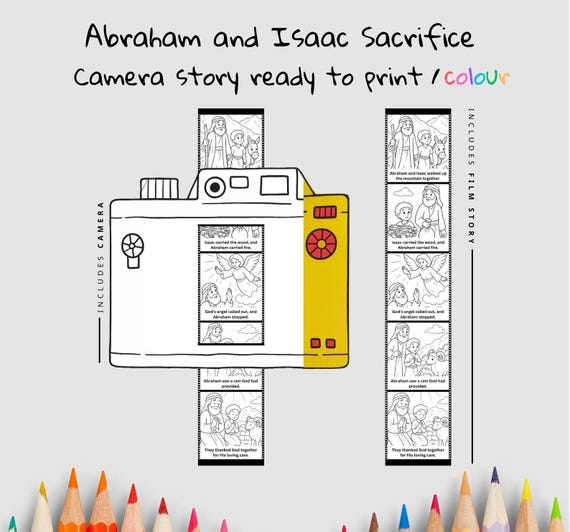
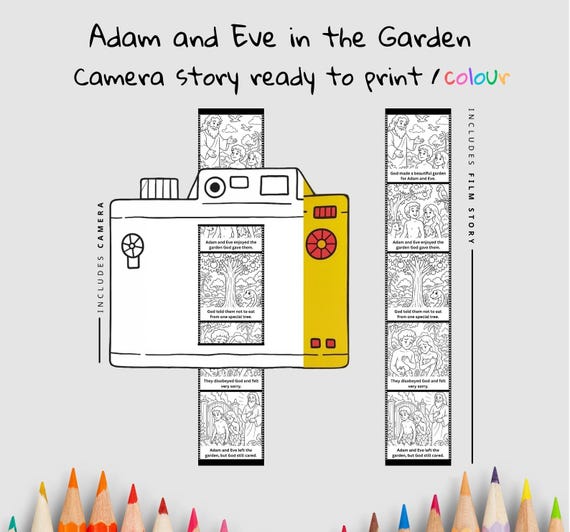
Bible story camera
A printable paper Bible story camera based on Pauls Missionary Journeys. Children colour, cut and assemble the camera and film strip, then slide the strip through to retell the story. Explore how Paul shared the good news across different places, and practise tracing the sequence of his journeys.
English
Age, time and difficulty are planning guides. Check the preparation notes for adult help.
$4.95 USD
One-time purchase
Digital download · No physical item shipped
File inventory and page counts checked against the originals. Page counts include any instruction pages. Please check the preparation notes before printing for a group.
Cutting camera slots, fitting a long film strip and keeping the story in order add assembly demands.
An adult may need to cut the camera slots and help thread the strip. Younger children can colour and retell using an adult-assembled camera.
Printer, paper or light card, colouring pencils or crayons, scissors. Glue or tape may be useful. An adult may need to cut camera slots.
One camera and film strip, including colouring and assembly. Teaching time is additional.
Age is an editorial estimate for the motor and reading demands of this format. Difficulty, completion time and suggested tools are planning estimates, not build-tested.
Check the file before you print for a group, and allow for any extra help the kids might need.
Printing tipsBible passage: Acts 13–21
Paul’s journeys take him and his companions through different towns and regions, where they teach and help establish communities. The accounts include returning to encourage believers as well as travelling somewhere new.
Main takeaway: Paul’s journeys are about people and encouragement, not only distances on a map.
Slide the film strip slowly and pause at each frame to connect the picture with the reading.
Trace the locations actually named and note a person or community at each. Keep the order of journeys separate from a single storm or arrest scene.
An adult can read the captions for a younger child. Older learners can retell a frame without its caption, then check which details the Bible account supplies.
The download is a 3-page PDF: PaulsMissionaryJourneys.pdf. This is the English edition. You print the files yourself; physical supplies are not included.
Yes. Colour and cut out the camera body and illustrated film strip. Prepare the two marked camera slots, feed the strip through the lower slot from the back and out through the upper slot, then slide it to reveal the frames. It is a paper storytelling model, not a working photographic camera. Printed captions include “The church prayed for Paul and Barnabas” and “Paul and Barnabas traveled to share God's word”.
The original PDF pages are A4 portrait. PaulsMissionaryJourneys.pdf: print pages 2, 3 for each learner or group. Page 1 is the assembly guide, which can be shared. Print single-sided. On US Letter paper, select Letter and Fit or shrink to the printable area; the originals are not separate Letter-sized files. Keep matching construction pages at the same scale.
Paper or printer-compatible light card, colouring pencils and scissors. An adult should cut the slots and help thread the strip so the pictures move without tearing.
Suggested ages: 7–12 years. An adult may need to cut the camera slots and help thread the strip. Younger children can colour and retell using an adult-assembled camera. Adjust this guide for the child’s reading and making skills.
This was a great activity for Sunday School while we are learning about missionaries.